
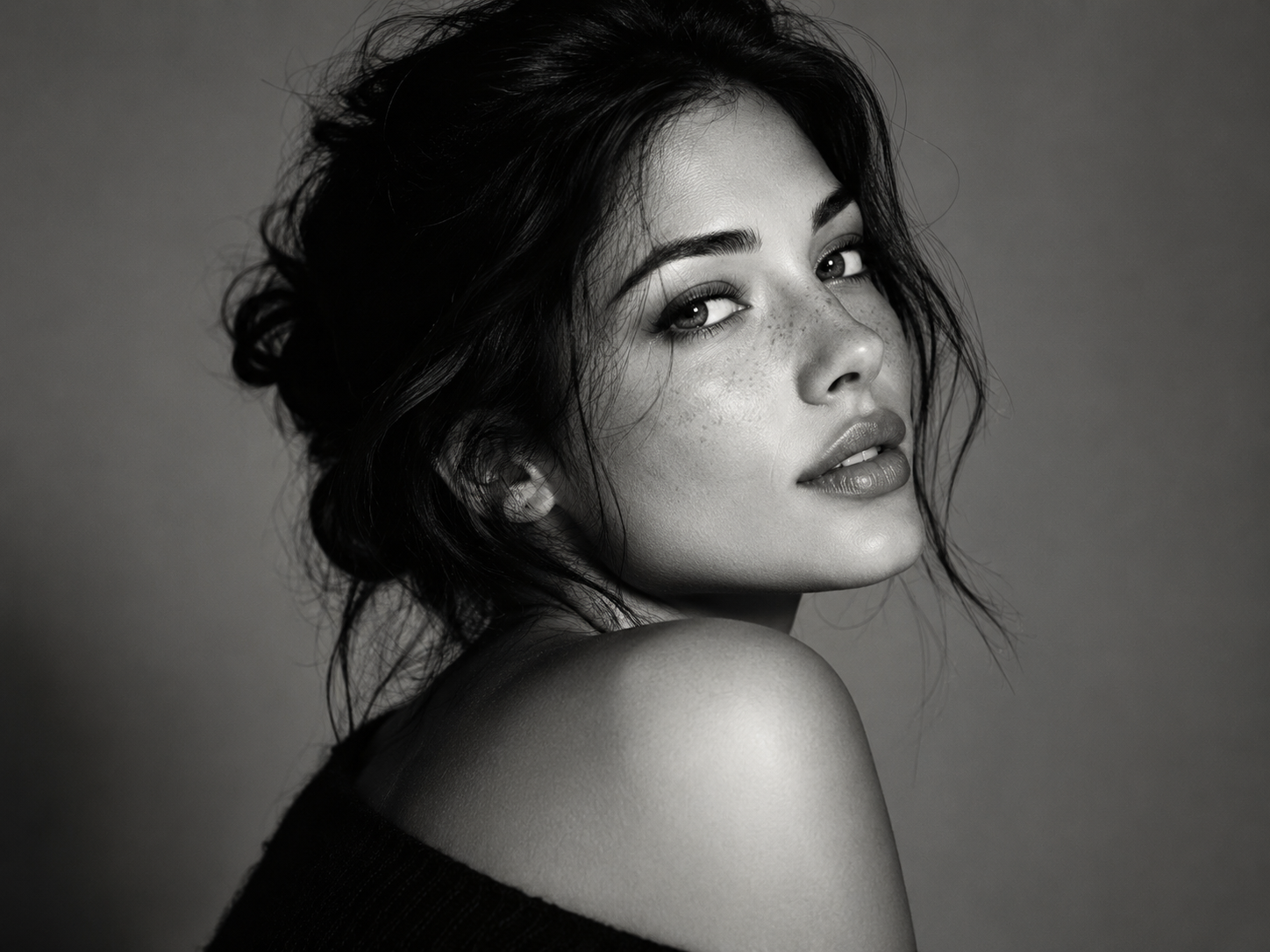
The Black and White ChatGPT photo trend is a simple way to turn an ordinary portrait into a dramatic monochrome image. The best results are not just a color photo converted to grayscale: they use intentional lighting, contrast, texture and framing to create a real editorial or studio-photography look.
Ready to try it?
What is the Black and White ChatGPT photo trend?
Users upload a selfie or portrait and ask an AI image tool to recreate it as a polished black-and-white photograph. Popular looks range from minimalist studio portraits to high-contrast fashion editorials, vintage film shots and cinematic close-ups.
The most important instruction is to preserve the person’s identity. Without that, the model may create an attractive portrait that no longer looks like the uploaded person.
Best Black and White ChatGPT photo prompt
Use the uploaded portrait as the identity reference. Recreate the same person as a sophisticated black-and-white editorial portrait. Preserve recognizable facial features, skin texture, proportions and expression. Use soft directional studio lighting with controlled shadow, natural highlight roll-off, crisp eyes, subtle film grain and rich grayscale tones from deep black to clean white. Keep the background minimal and uncluttered. Make the image feel like a real professional photograph captured with a high-end portrait lens. Avoid plastic skin, excessive sharpening, fake HDR, distorted features or a generic AI-beauty face.
How to get a cinematic monochrome result
- Upload a sharp portrait with visible facial detail.
- Choose whether you want soft studio light or dramatic side light.
- Use the detailed prompt above.
- If the result is too smooth, ask for realistic pores and subtle film grain.
- If the face changes, explicitly repeat that identity must be preserved.
5 black-and-white styles to try
Classic studio portrait
Soft key light, smooth gray background and balanced contrast.
High-contrast fashion editorial
Deeper shadows, brighter highlights and stronger facial structure.
35mm film portrait
Subtle grain, slightly softer detail and an analog tonal curve.
Noir cinematic portrait
Directional light, dramatic shadows and a darker atmosphere.
Minimal beauty portrait
Close framing, clean background, natural skin and crisp eyes.
ChatGPT vs other image tools for black-and-white portraits
ChatGPT Images is convenient for iterative editing because you can request changes such as “less contrast,” “preserve my nose shape” or “make the lighting more natural.” Gemini can also handle reference-image workflows. Dedicated image generators may offer stronger style control, but identity preservation varies from model to model.
Find the best AI for portrait editing →
Common mistakes
- Using only “make it black and white” with no lighting instructions.
- Over-smoothing the skin until it looks artificial.
- Adding extreme contrast that removes facial detail.
- Using a low-resolution reference photo.
- Letting the model change the hairstyle, face shape or expression too much.
Frequently asked questions
What prompt should I use for the black-and-white ChatGPT trend?
Use a prompt that combines identity preservation with monochrome lighting, film grain, realistic skin and a professional photography style.
Can I use a selfie?
Yes. A clear selfie works well, especially if the face is not covered by heavy filters or strong shadows.
How do I make the portrait look like film?
Add subtle grain, softer micro-contrast, realistic highlight roll-off and a classic black-and-white tonal range.
Why does the AI make me look like someone else?
Repeat that the uploaded photo is the identity reference and ask the model to preserve facial proportions and distinguishing features.
Copy the prompt
Last updated: September 8, 2026.