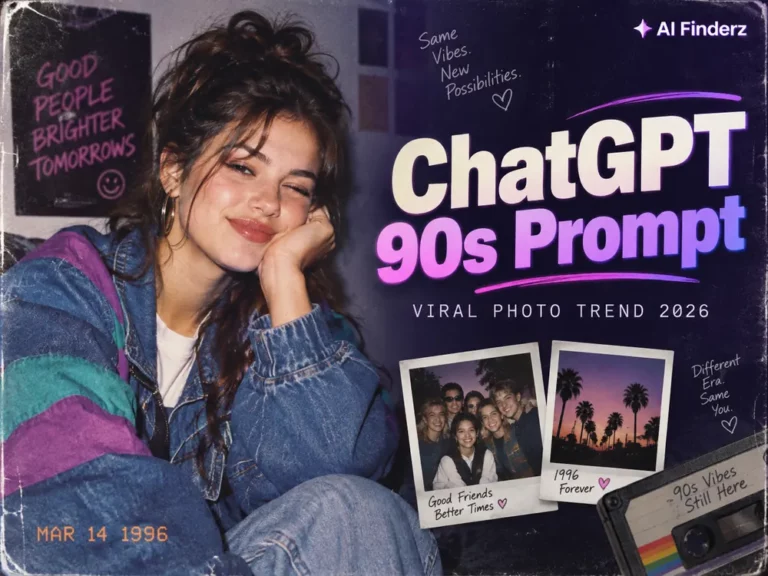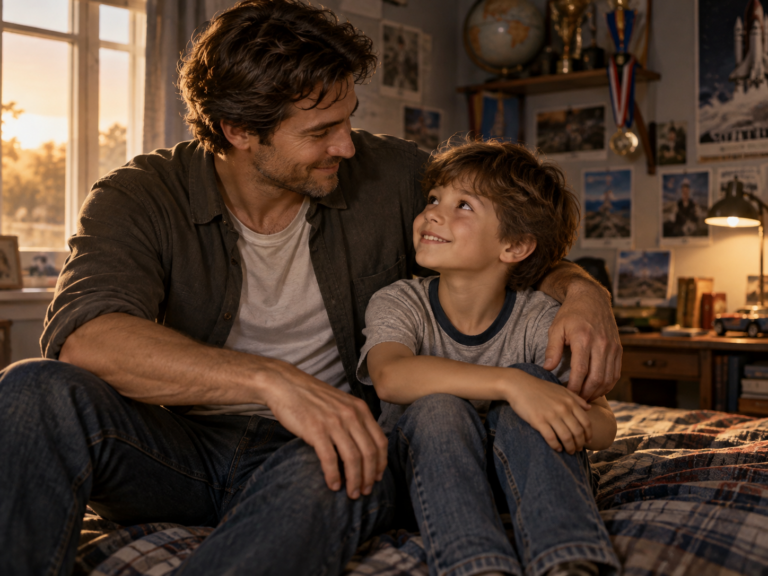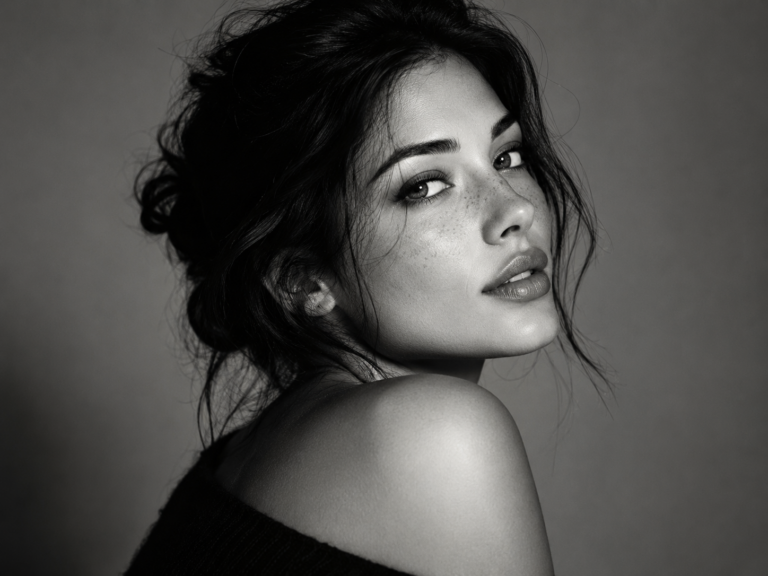

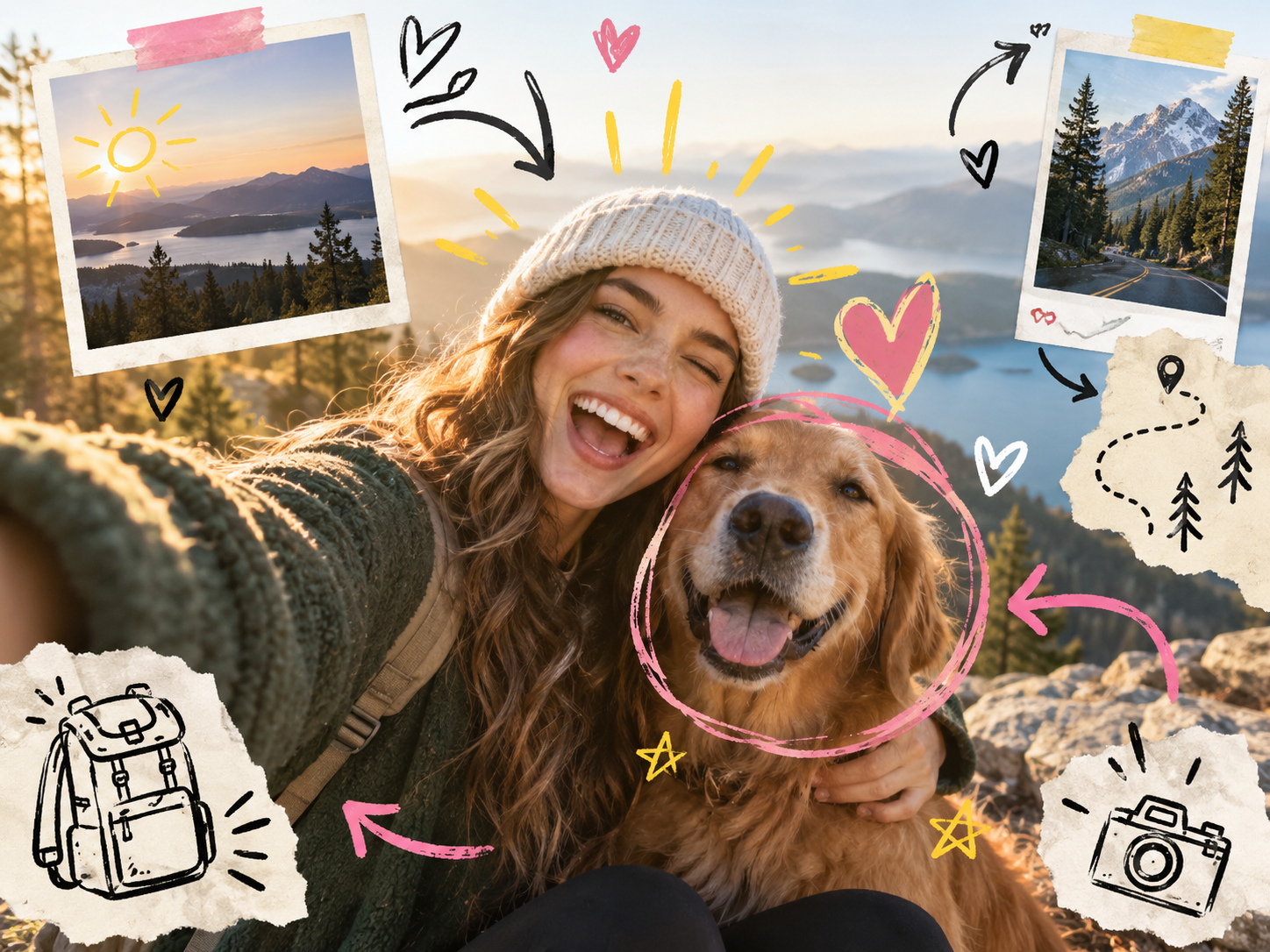
The hand-drawn photo annotation style combines a real photograph with doodles, arrows, hearts, circles, tape, handwritten notes and scrapbook elements. It works especially well for travel photos, lifestyle posts, product highlights, memories and social-media carousels.
Best hand-drawn photo annotation AI prompt
Use the uploaded photo as the main image and keep the people, faces and important scene details unchanged. Add a tasteful hand-drawn scrapbook annotation layer around the photo: playful arrows, circles, hearts, stars, underlines, small sketches, torn-paper notes, masking tape and a few Polaroid-style mini frames. Use an organic marker-and-pencil look with slightly imperfect strokes. Keep the annotations visually balanced and do not cover faces or important subjects. Use a cohesive limited palette and make the final image feel like a premium travel journal or creative social-media scrapbook, not a cluttered sticker collage. Leave any written text short and simple.
Where this style works best
- Travel: circle a landmark, add route arrows and mini snapshots.
- Fashion: point to accessories, textures or outfit details.
- Food: annotate ingredients or favorite dishes.
- Products: highlight features with arrows and short callouts.
- Memories: create a diary or photo-album aesthetic.
How to keep the image clean
The biggest risk is visual clutter. Ask for a limited number of annotations and keep them around the edges of the subject. Avoid long paragraphs because image generators may struggle with exact handwritten text.
Best workflow
- Choose a photo with some empty space around the subject.
- Upload it to an image model.
- Paste the prompt and specify the theme: travel, friendship, fashion, product or memory.
- Regenerate if the doodles cover faces.
- Add exact text later in Canva or another editor if needed.
Variations to try
Travel journal
Add route arrows, location pins, mountain sketches and taped mini photos.
Polaroid memory board
Use layered instant-photo frames, dates and small handwritten captions.
Minimal editorial annotations
Use only thin arrows, circles and two or three short notes for a cleaner look.
Colorful friendship scrapbook
Add hearts, stars, tape and playful doodles around a group photo.
Which AI tools can create this style?
ChatGPT Images and Gemini are useful for editing an uploaded photo. Image generators with strong composition or text abilities can also work, while design tools are best for adding exact wording after generation.
Find an AI tool for image editing →
Frequently asked questions
Can AI add doodles to an existing photo?
Yes. Use image-editing mode and ask the model to preserve the original photo while adding an annotation layer.
How do I stop the AI from changing my face?
State clearly that the uploaded image is the reference and that faces and identity must remain unchanged.
Can it write exact handwritten captions?
Short words may work, but for exact spelling it is safer to add text later in a design editor.
Try the scrapbook style
Last updated: September 8, 2026.