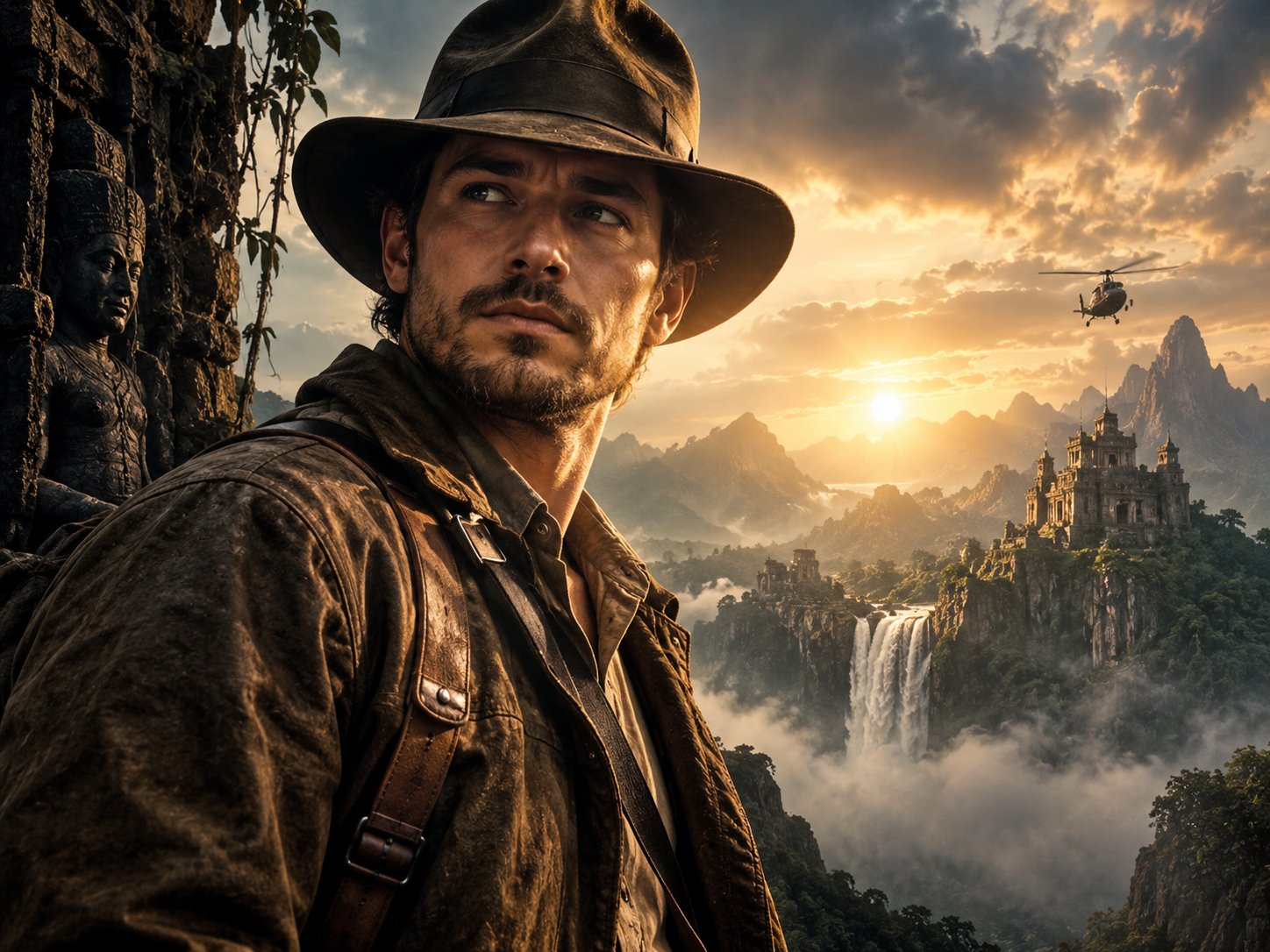
Turning a selfie into a movie poster with AI is one of the easiest ways to create a highly shareable image. A good result should feel like genuine key art for a film: cinematic lighting, strong composition, believable wardrobe, atmosphere and enough empty space for a title.
Best AI prompt to turn a selfie into a movie poster
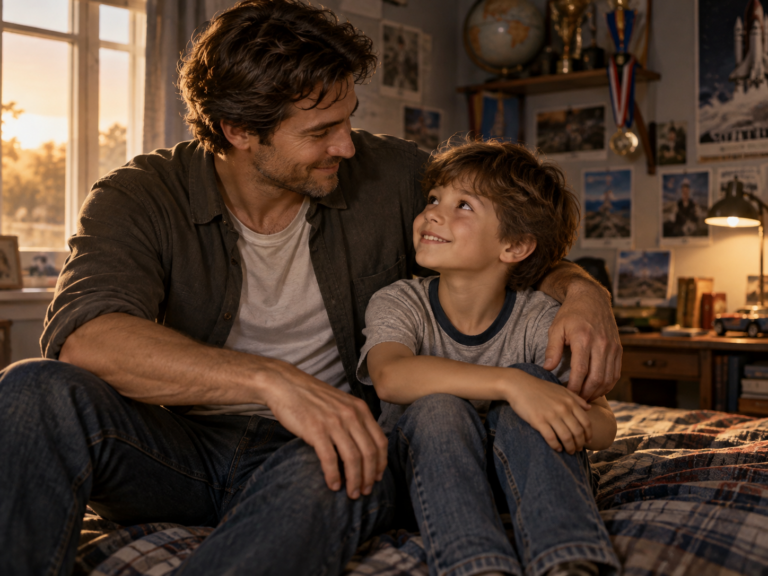
Use my uploaded selfie as the identity reference. Transform the same person into the lead character of a premium cinematic movie poster. Preserve recognizable facial features, skin tone, proportions and expression. Create dramatic but realistic film lighting, detailed wardrobe appropriate to the chosen genre, a believable cinematic environment, atmospheric depth and professional poster composition. Place the character as the clear focal point and leave clean visual space for a movie title and credits without generating unreadable text. Use realistic photography, natural skin texture and polished theatrical key-art quality. Avoid distorted hands, generic AI facial features, excessive glow or fake-looking typography.
Choose a movie genre
Adventure
Use mountains, ruins, maps, stormy skies or a distant expedition setting.
Thriller
Use darker tones, urban night lighting, rain, reflections and strong suspense.
Romance
Use warm sunset light, elegant styling and softer depth of field.
Sci-fi
Use futuristic environments, volumetric light and believable technology without overwhelming the face.
Action
Use motion, dramatic weather, vehicles or a high-stakes environment while keeping the portrait realistic.
How to create a better poster
- Upload a clean selfie with good face visibility.
- Tell the AI which genre you want.
- Ask it to preserve your identity.
- Leave negative space for a title instead of asking the model to render lots of text.
- Add text later in Canva, Photoshop or another design tool if typography matters.
Why AI poster text often looks wrong
Image models are improving at text, but long titles, cast names and credits can still be inconsistent. A reliable workflow is to generate the visual first, then add exact typography in a design editor. If you do ask for text inside the image, keep it short and simple.
Best AI tools for movie-poster images
ChatGPT Images and Gemini are useful when you want to start from a real selfie and refine the result through conversation. Ideogram is particularly useful when readable poster-style typography matters. Other image generators can be excellent for cinematic style but may require more work to preserve identity.
Frequently asked questions
Can AI turn my real photo into a movie poster?
Yes. Upload a clear reference image and explicitly ask the model to preserve your facial identity.
Can I make myself look like a famous movie character?
You can ask for a genre or cinematic archetype without copying a specific protected poster or exact character design.
What aspect ratio should I use?
A vertical 2:3 or 4:5 format works well for poster-style images and social sharing.
Should I ask the AI to write the title?
For precise typography, it is usually better to add the title afterward in a design tool.
Create your poster
Last updated: September 8, 2026.