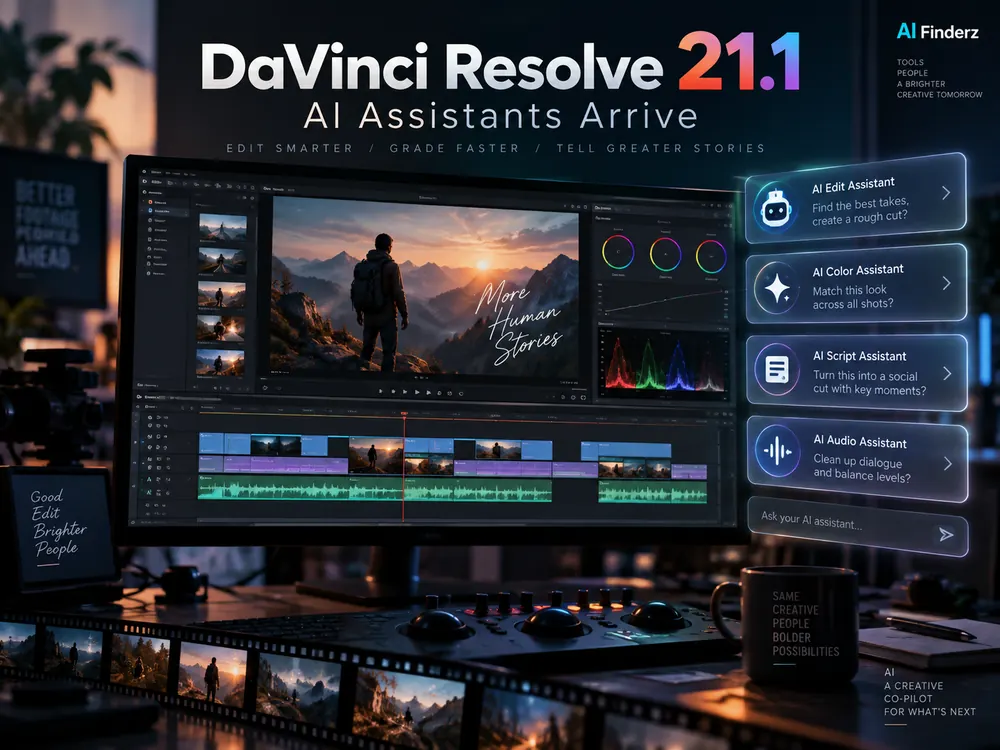
DaVinci Resolve 21.1 adds AI assistant integration through a native MCP server, allowing compatible assistants such as Claude, Claude Code and ChatGPT Codex to interact with editing projects using natural-language instructions. Blackmagic Design released the update on September 8, 2026, alongside more than 100 additional tools and controls.
The change is important because the AI assistant is no longer limited to suggesting what an editor should do. In supported workflows, it can connect to Resolve and perform actions such as analyzing a project, organizing media, adjusting settings and handling repetitive rendering tasks.
Looking for AI video tools?
What is new in DaVinci Resolve 21.1?
The headline addition is a native MCP (Model Context Protocol) server for connecting compatible AI assistants to DaVinci Resolve. Reports based on Blackmagic Design’s release describe workflows where users can give instructions in everyday language instead of manually repeating every step in the interface.
Examples include:
- analyzing a DaVinci Resolve project;
- organizing and managing media;
- changing project or clip settings;
- creating highlight edits from longer footage;
- removing unwanted clips;
- batch rendering multiple items;
- rendering final deliverables.
Which AI assistants work with DaVinci Resolve 21.1?
Blackmagic’s 21.1 launch coverage specifically highlights compatibility with assistants including Claude, Claude Code and ChatGPT Codex. The connection is enabled through MCP, an open protocol designed to let AI systems interact with external tools and data sources.
That does not mean the AI replaces the editor. The more useful interpretation is that Resolve can now expose structured actions to an assistant, while the editor remains responsible for creative decisions, reviewing changes and controlling the final output.
What can an AI assistant actually do for a video editor?
Organize footage faster
An assistant can help with repetitive media-management work, which is particularly useful on projects containing long recordings or many clips.
Create a first-pass highlight edit
One of the examples highlighted around the release is asking an assistant to identify useful moments in long footage and build a highlight sequence. An editor can then refine timing, pacing and storytelling manually.
Automate repetitive output tasks
Batch rendering and repeated export operations are a natural fit for assistant-driven workflows because the creative decision has often already been made and the remaining work is procedural.
Change settings using natural language
Instead of navigating multiple panels for every repetitive adjustment, users can describe the desired operation and let the connected assistant translate that request into supported Resolve actions.
DaVinci Resolve 21.1 includes more than AI assistants
The update also expands still-photography and camera-format support, improves multicam workflows, adds new graphics and Fusion tools, and introduces more than 100 tools and controls across editing and grading workflows.
Blackmagic’s current product page lists DaVinci Resolve 21 as free and DaVinci Resolve Studio 21 at $295. Feature availability can differ between the free and Studio editions, so check the current Blackmagic documentation before choosing a version for a specific workflow.
Why the MCP integration matters
AI editing tools have traditionally lived either inside a product as isolated features or outside the editor as chat assistants. A native MCP connection changes that relationship: the assistant can become a control layer for supported actions inside the editing application.
For professional teams, the practical value will depend on reliability, permissions, review controls and how much project context is shared with the connected assistant. Sensitive client footage and confidential project information should still be handled according to the organization’s privacy and security requirements.
Frequently asked questions
Does DaVinci Resolve 21.1 work with ChatGPT?
The 21.1 announcement specifically references ChatGPT Codex among the compatible AI assistants, alongside Claude and Claude Code.
What is MCP in DaVinci Resolve?
MCP stands for Model Context Protocol. In Resolve 21.1, the native MCP server provides a way for compatible AI assistants to connect with Resolve and invoke supported project actions.
Can the AI edit a video automatically?
It can automate supported tasks and assist with operations such as media organization, highlight creation and rendering, but professional editing still benefits from human review for narrative, timing, accuracy and final delivery.
Is DaVinci Resolve still free?
Yes. Blackmagic Design currently lists DaVinci Resolve 21 as a free download. DaVinci Resolve Studio 21 is listed at $295.
Sources
- Blackmagic Design — DaVinci Resolve 21.1 release
- Blackmagic Design — DaVinci Resolve product page
- GIGAZINE — DaVinci Resolve 21.1 AI assistant integration
Last updated: September 9, 2026.