
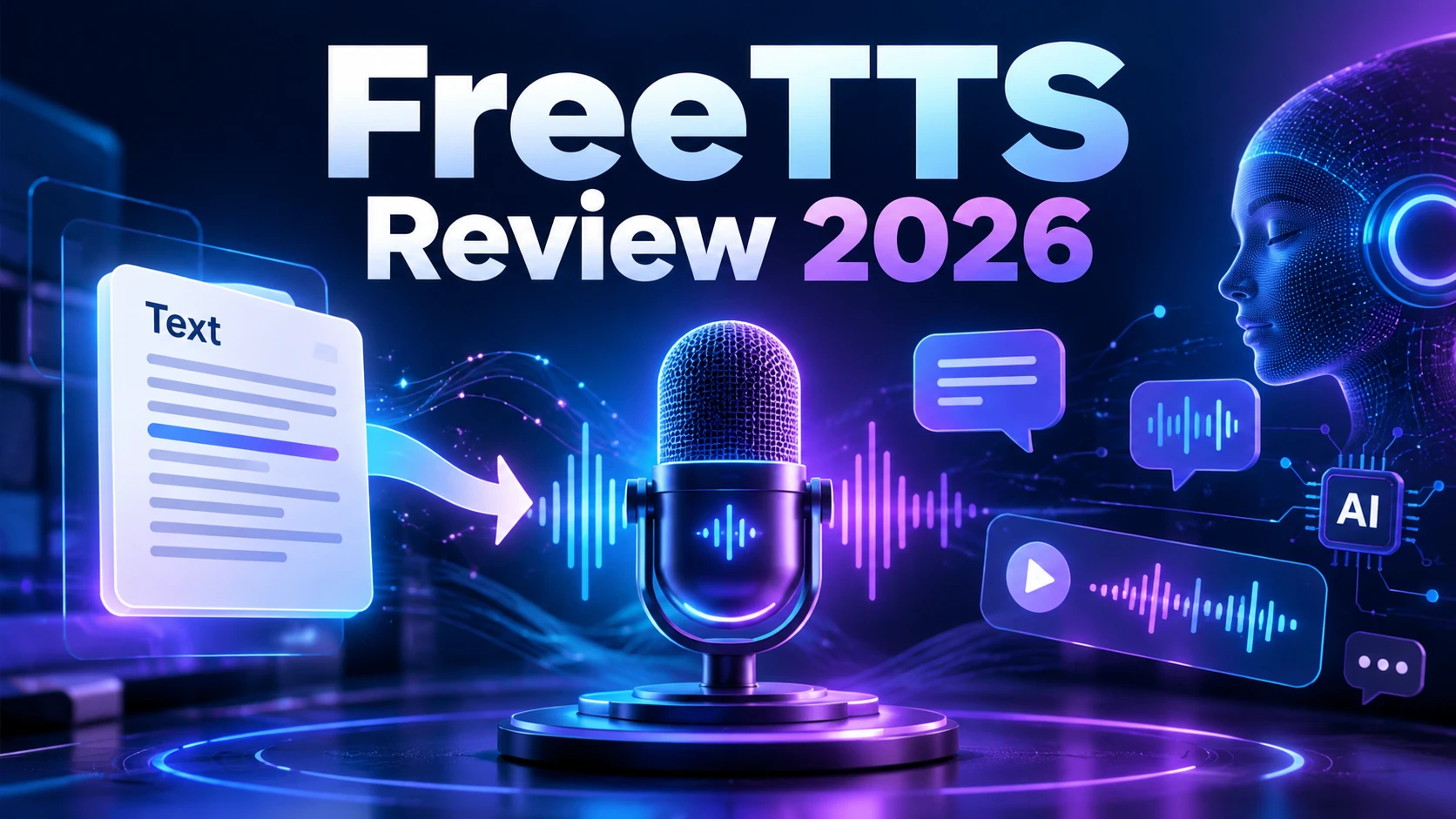
FreeTTS is browser-based text to speech, speech to text and practical AI audio editing.
Quick answer: FreeTTS combines text-to-speech and speech-to-text with a broader set of browser audio utilities instead of being only a single TTS converter.
What is FreeTTS?
FreeTTS combines text-to-speech and speech-to-text with a broader set of browser audio utilities instead of being only a single TTS converter. AI Finderz uses the official product page as the primary factual source for this profile.
Key features
- AI text-to-speech with free monthly allowance
- Speech-to-text transcription
- AI vocal remover and voice enhancer
- Browser audio cutter, joiner, converter and compressor
- Supports common audio formats including MP3, WAV, FLAC and OGG
Who should use FreeTTS?
Choose FreeTTS when you need quick browser-based voice generation or lightweight audio utilities without installing desktop software.
Pricing and free access
FreeTTS provides free browser tools and a free TTS allowance, with paid AI Cloud TTS credits for heavier use.
Pros and cons
Pros
- Free entry point
- Multiple audio tools in one site
- Browser-based workflow
- Common audio formats supported
Things to consider
- Advanced cloud TTS is credit based
- Specialist voice platforms may offer deeper control
Alternatives to FreeTTS
Depending on your workflow, compare ElevenLabs, Speechify, NaturalReader, TTSMaker as alternatives. Features and pricing can change, so compare the current product pages before choosing.
When to consider another option
Consider specialist voice platforms when you need advanced voice cloning, enterprise controls or highly directed expressive speech.
View the FreeTTS tool profile on AI Finderz →
Visit the official FreeTTS website ↗
AI Finderz checked the public product information on September 29, 2026. Features, limits and pricing can change.